How to install the global tracking code
Back to How To Docs.
If you have any problems please contact us.
In order for widgets, FOMO popups and Wall of Love pages to display, you need to install the global tracking code.
Please note that the tracking code is unique to each property.
To do that, head to Property Settings. Here you'll see the tracking code in question:
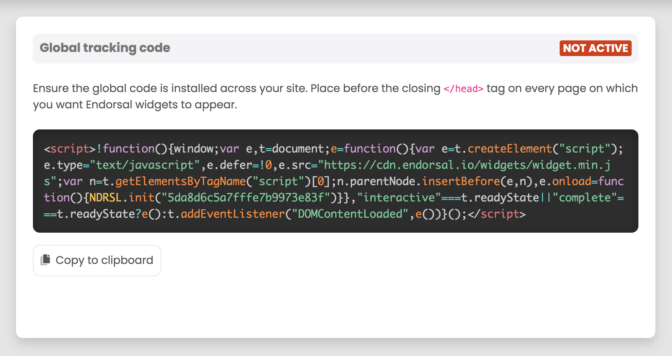
The global code needs to be present on every page on which you'd like items to appear.
Click "Copy to clipboard" and paste the code into your template before the closing </head> tag.
Once you've added the code to your live website, open it in a new tab and refresh the page. You'll then see that the status has changed to ACTIVE:
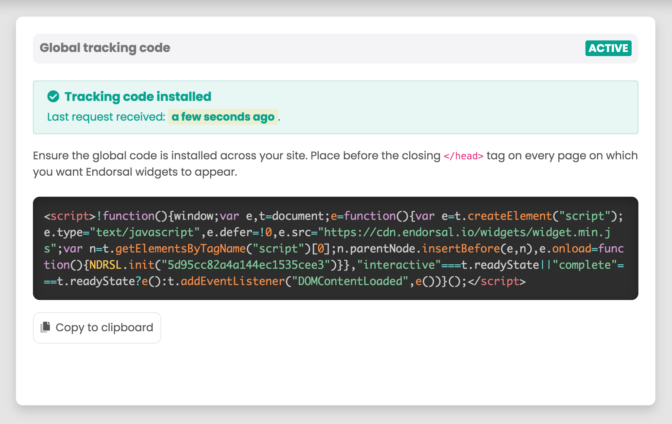
Congratulations! Your global tracking code is now installed.
testimonials.
reviews
CONTACT
© 2022 Testimonials Reviews. All Right Reserved.